Creating and publishing articles in the Knowledge Base is a straightforward process. Follow these steps to ensure your content is correctly categorized and easily discoverable:
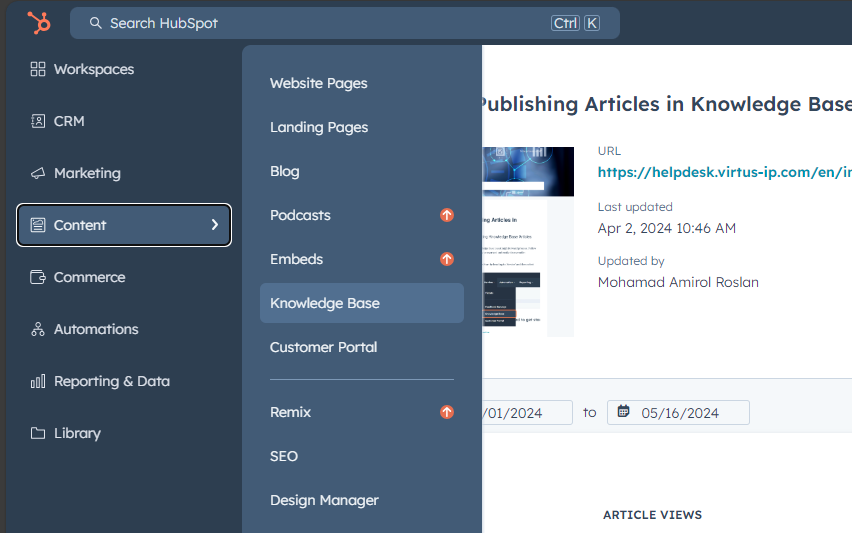
Step 1: Navigate to the Knowledge Base Start by heading to ‘Content’ and then select ‘Knowledge Base’ from the sidebar menu.
Step 2: Initiate Article Creation Select the appropriate Knowledge Base by clicking on the dropdown menu labeled ‘Knowledge Base’. 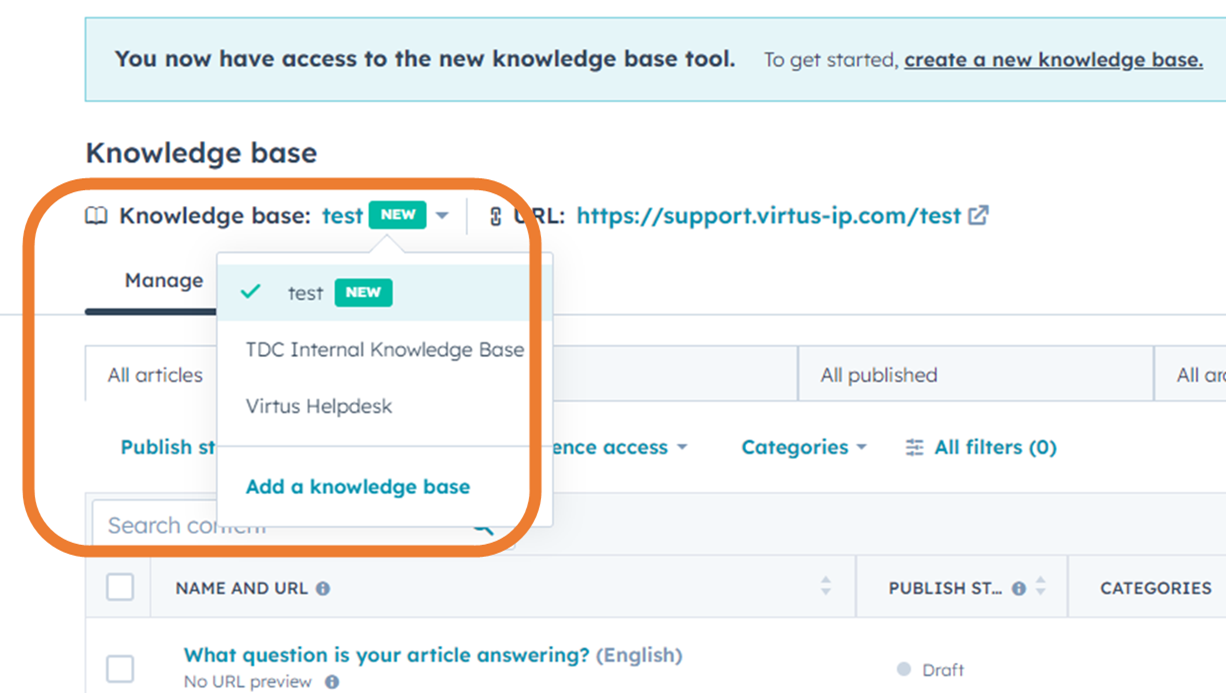
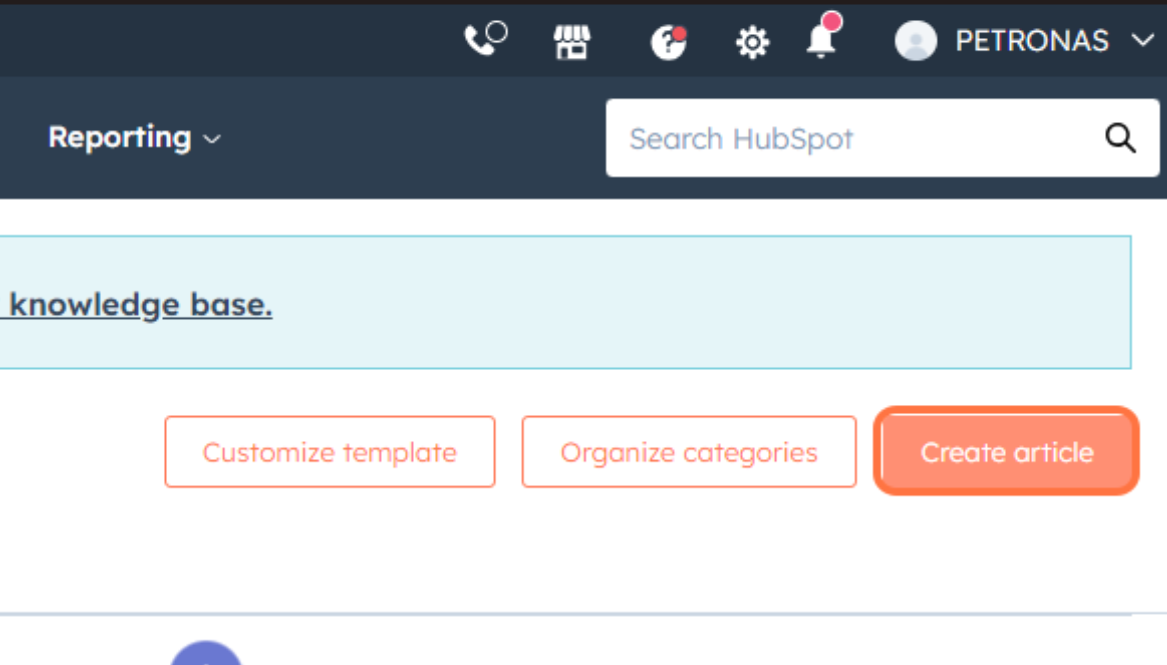
After that, click on ‘Create Article’. This action will direct you to the editing page where you can begin crafting your article.
Step 3: Edit Your Article Start adding content to your article. Ensure the information is clear, concise, and informative to provide maximum value to the reader.
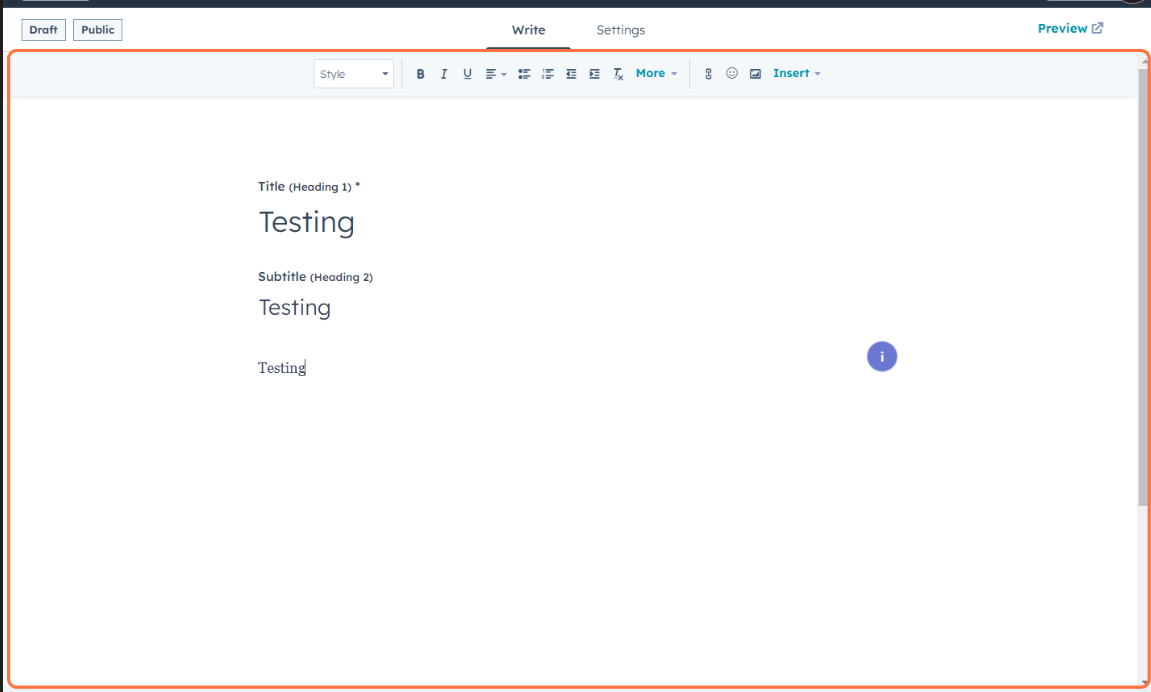
You can attach video, images and even files.
Callout also can be used to differentiate each article tone, simply go to insert > callouts
Step 4: Verify Article Settings Navigate to ‘Settings’. Here, verify the Knowledge Base, category, and subcategory selections are accurate.
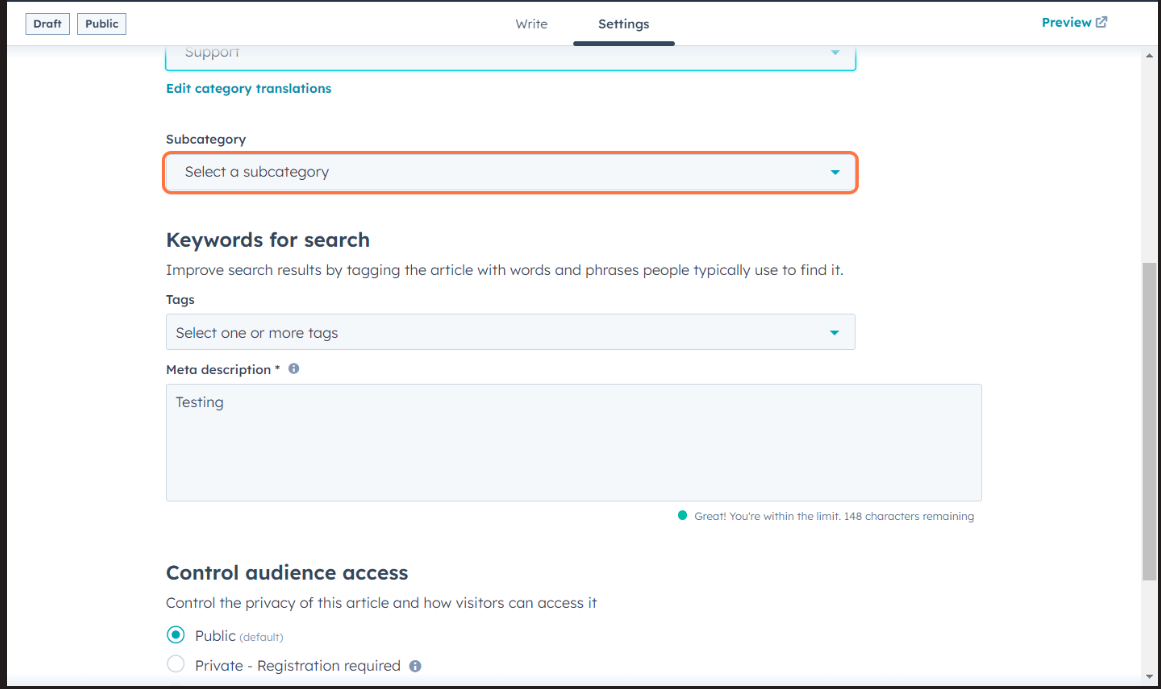
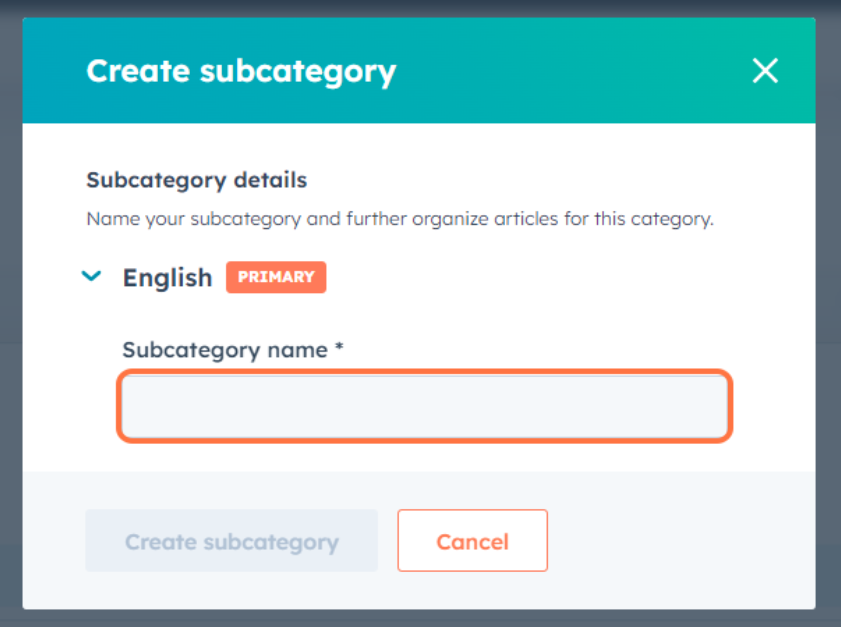
If needed, you can create a new category or subcategory. Simply click on ‘Create new category’. A popup window will appear, prompting you to fill in the relevant information.”
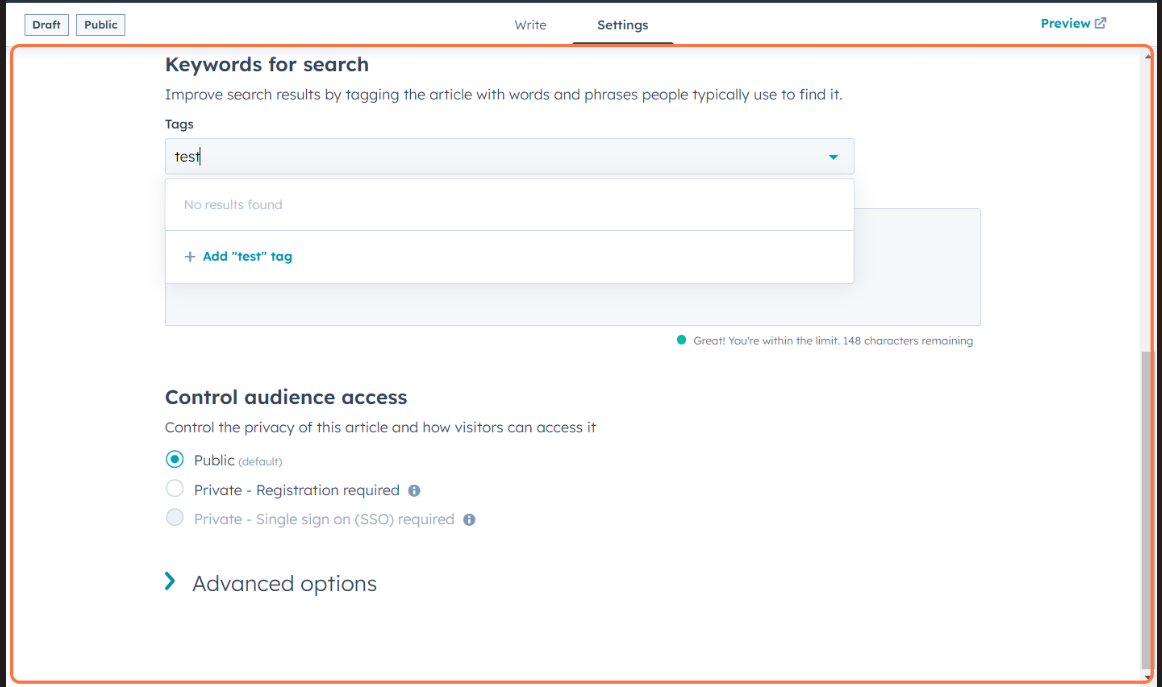
Step 5: Optimize Meta Description and Tags Check the meta description and tags. These elements are crucial for searchability, helping users find your article more easily.
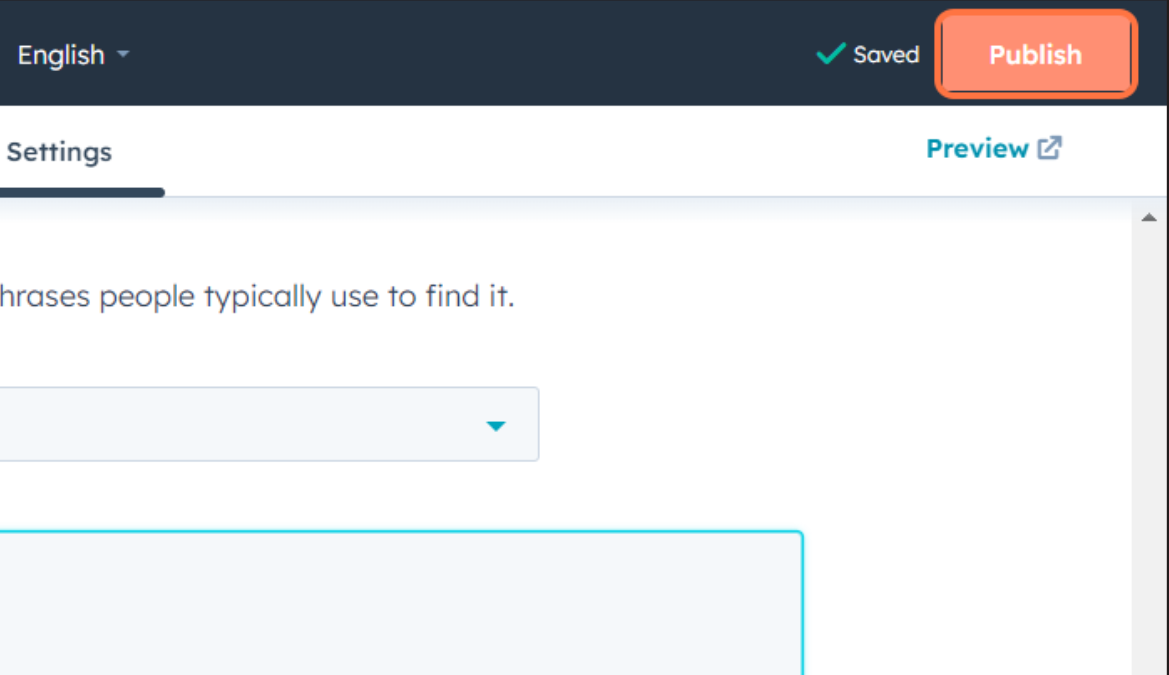
Step 6: Publish Your Article Once you’ve completed these steps, click ‘Publish’. Your article will now be live and accessible in the Knowledge Base.