
OPTION 1
Step 1:
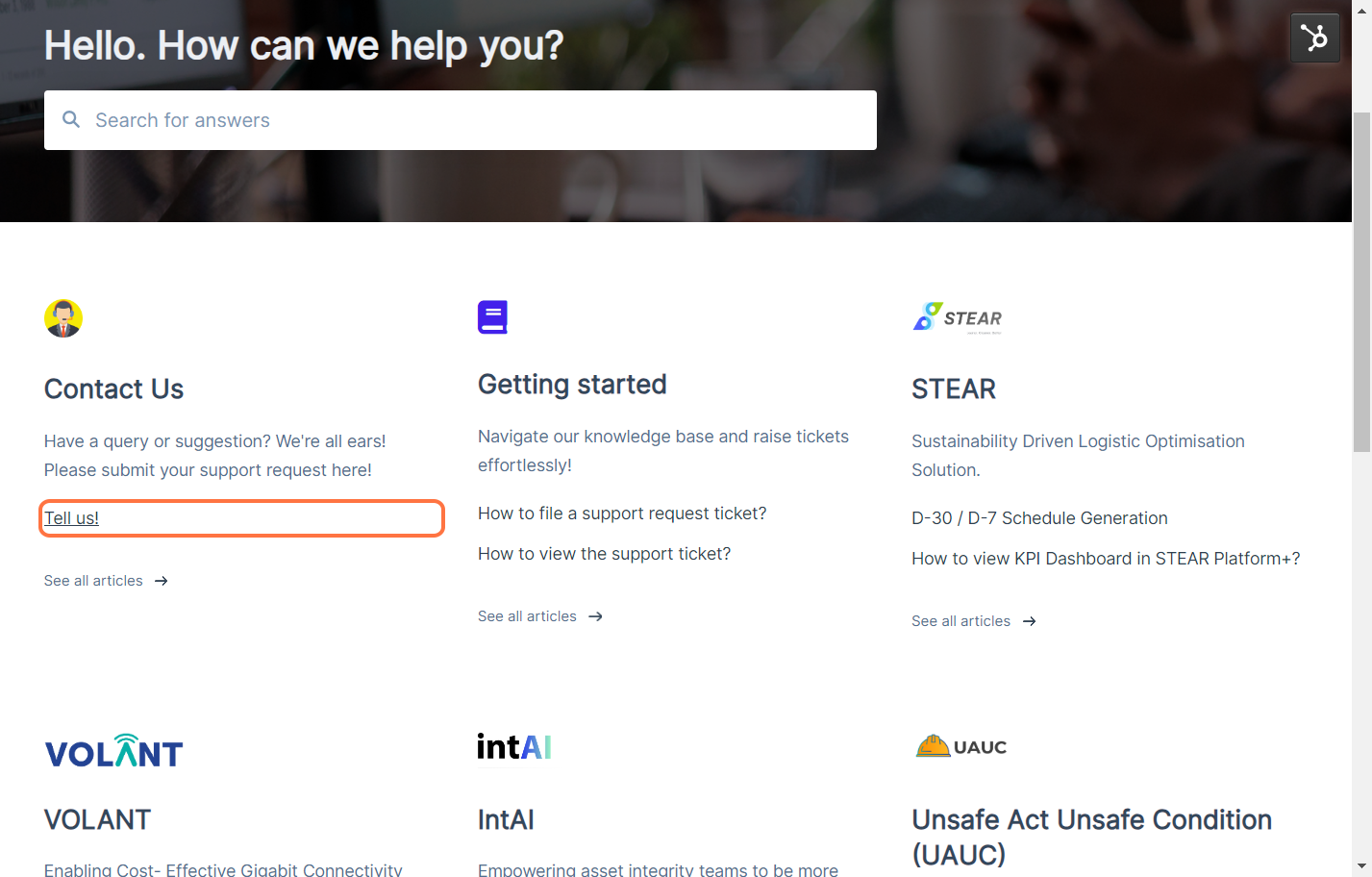
Go to Virtus Helpdesk.

Step 2:
Click on Tell Us!
Step 3:
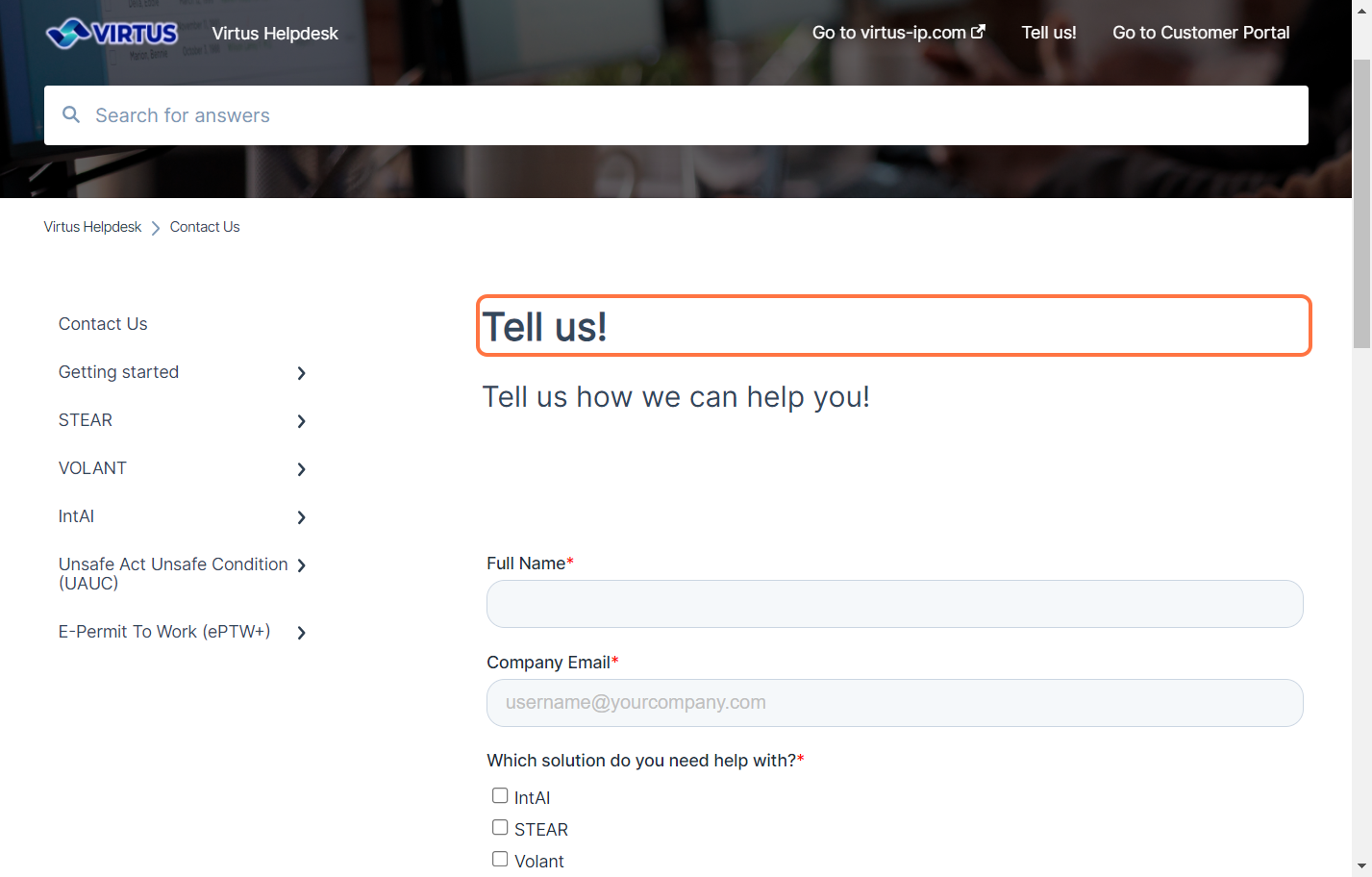
Fill in the form accordingly with relevant information and selection answers.
Step 4:
After provided with relevant information, click on Submit.
Once you clicked submit, you will see a notification showing the ticket has been submitted.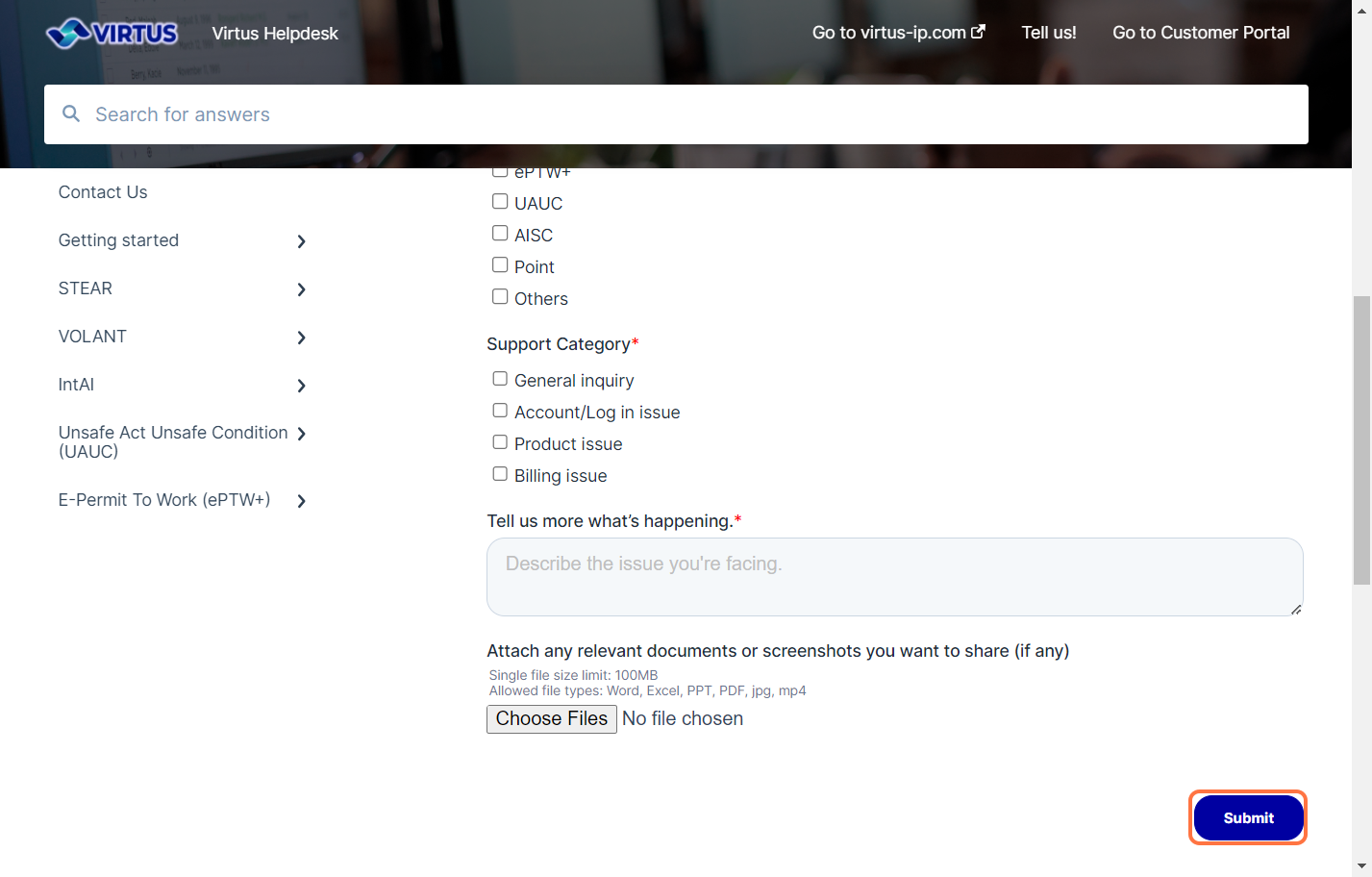
Notes:
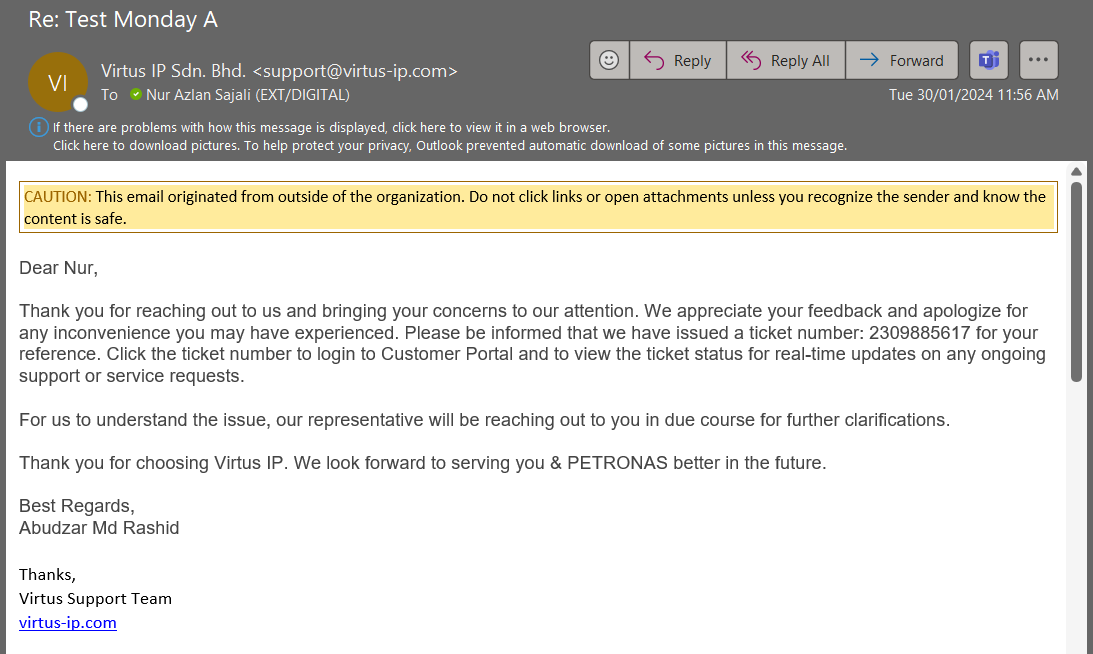
You will receive an acknowledgement email from Virtus Helpdesk team.
OPTION 2
Step 1:
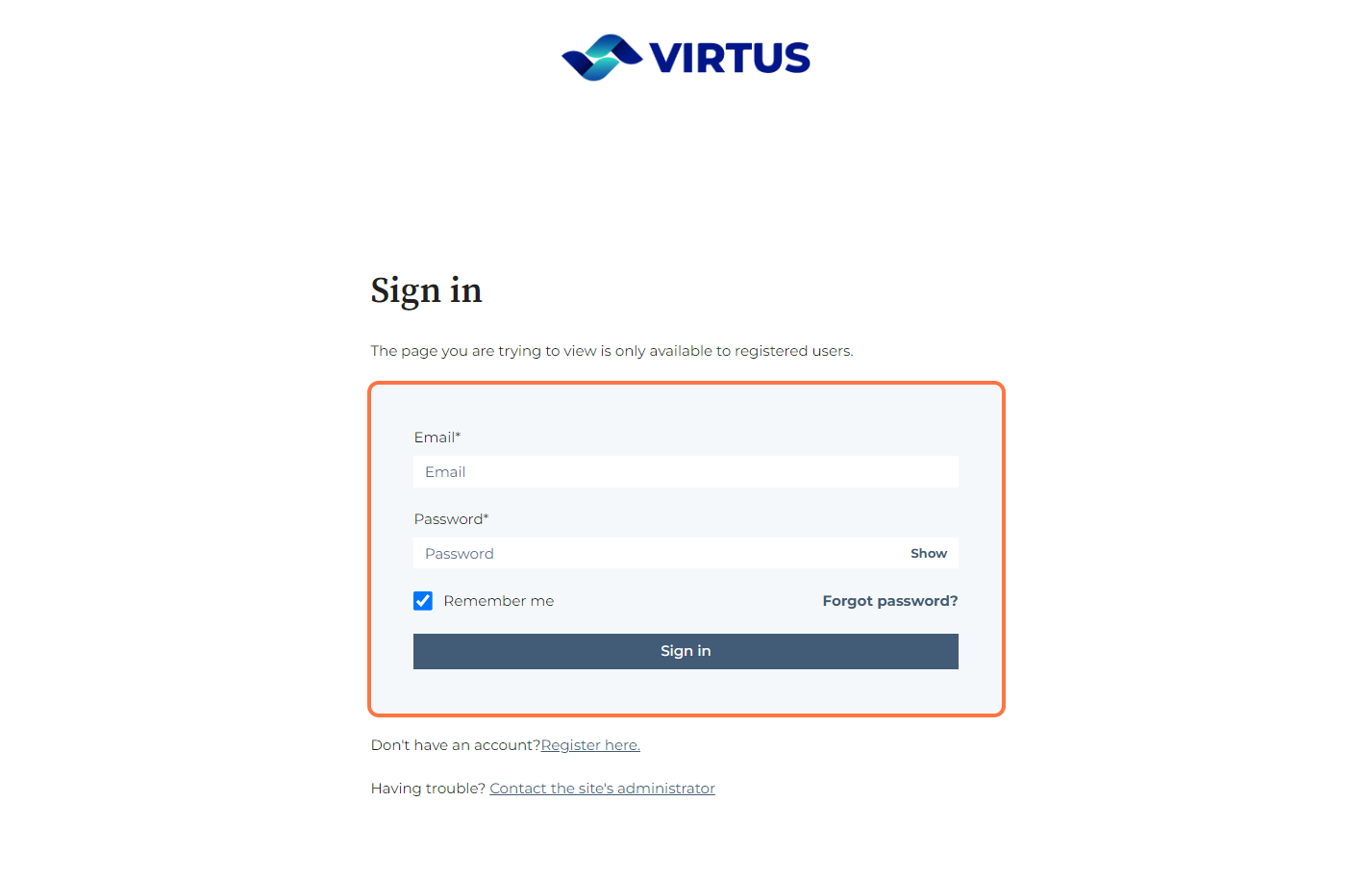
Sign in to Virtus Helpdesk.
Log in with your registered email and password.
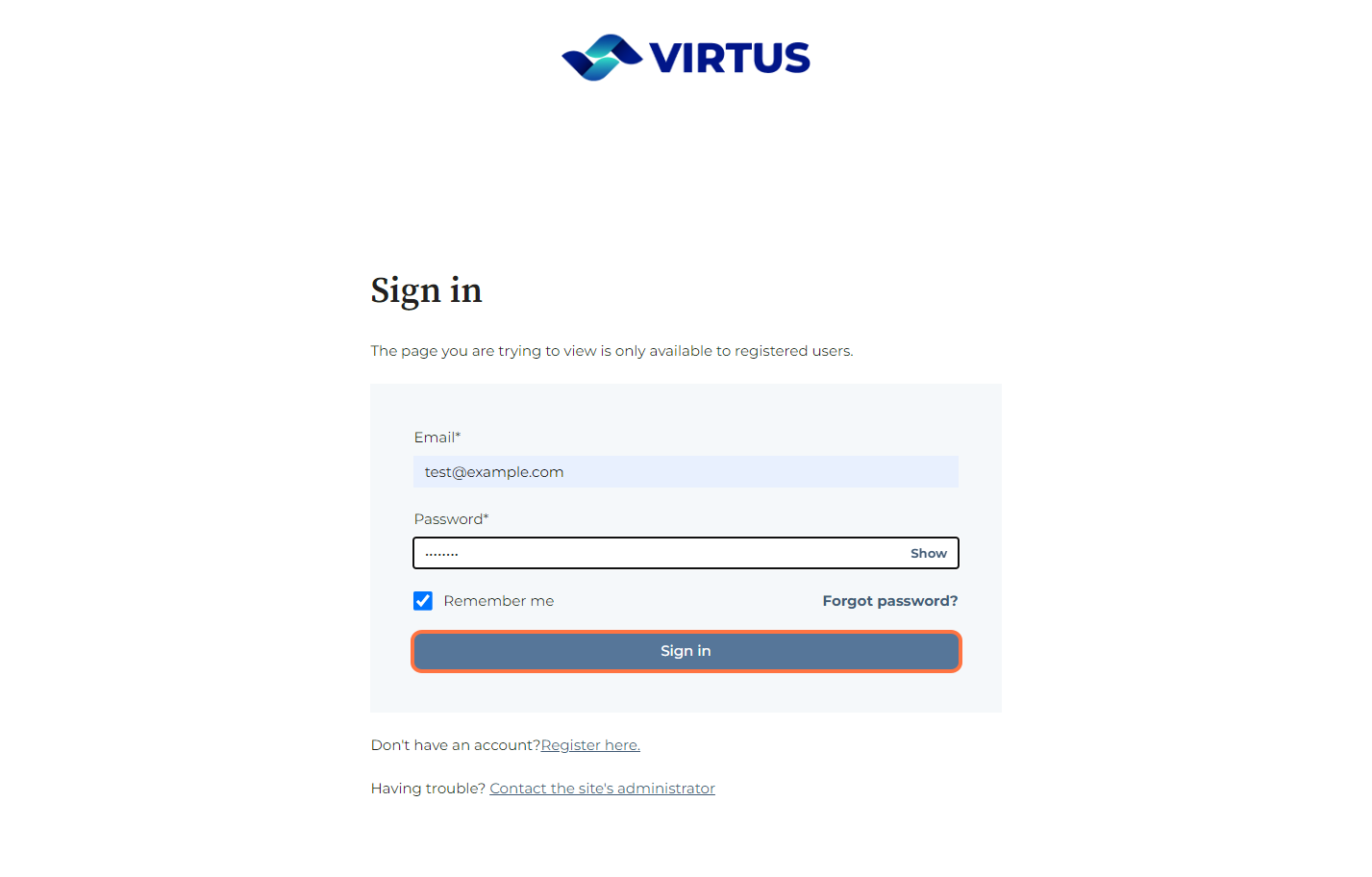
Step 2:
Click on Sign in.
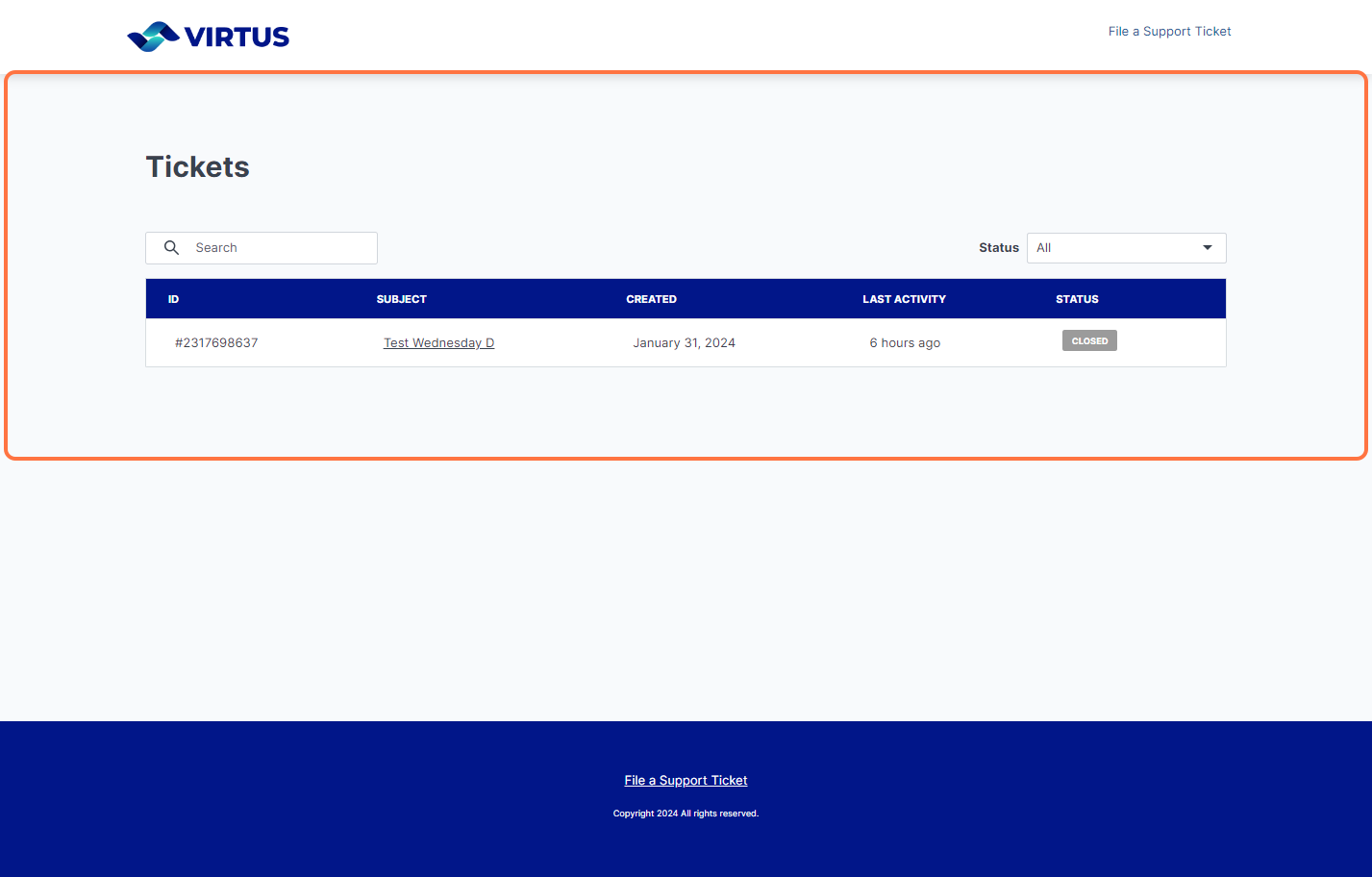
Step 3:
You will be directed to the ticket portal where you can view existing status of the ticket inquiry.
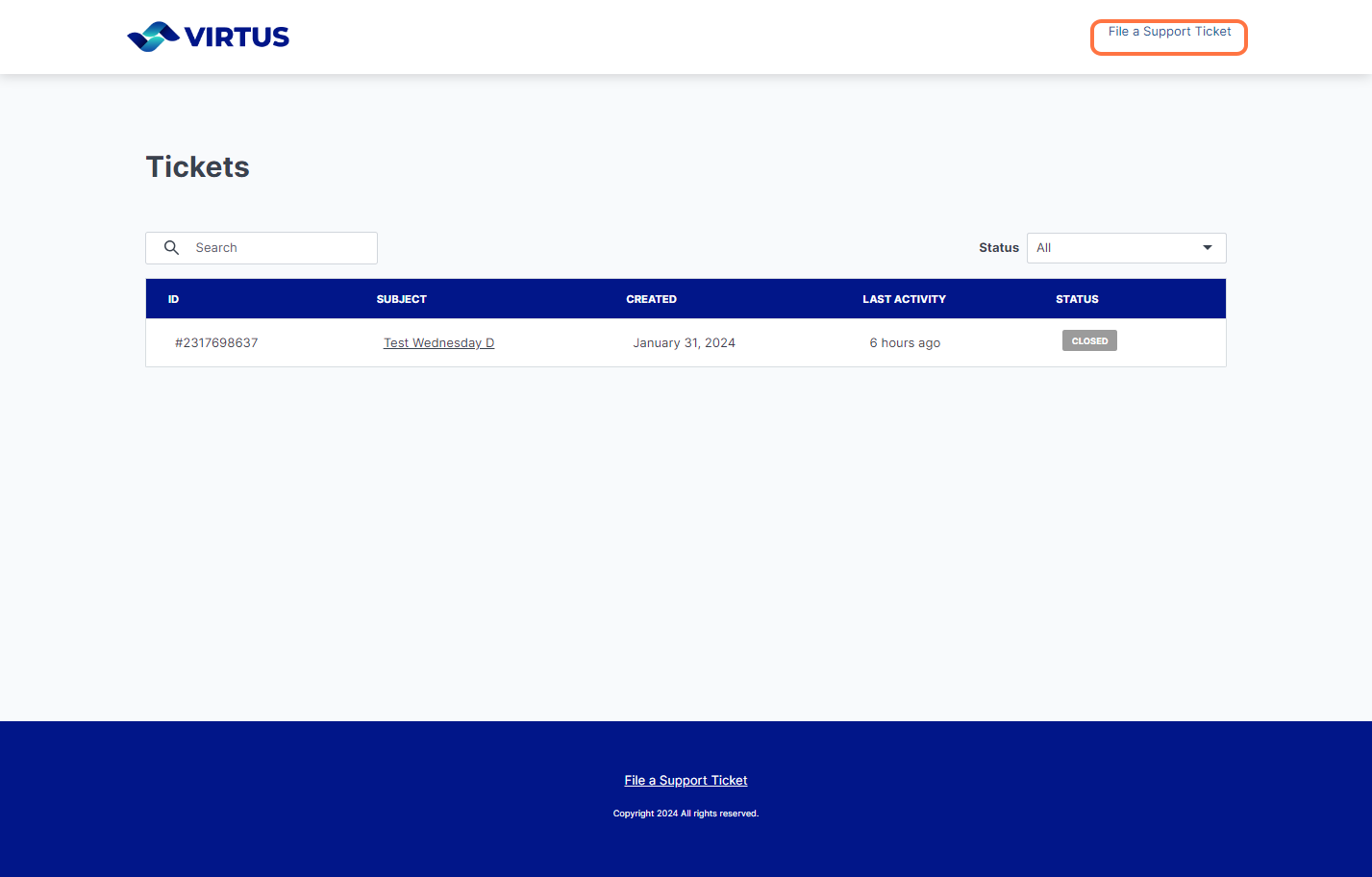
Step 4:
Click on File a Support Ticket.
Step 5:
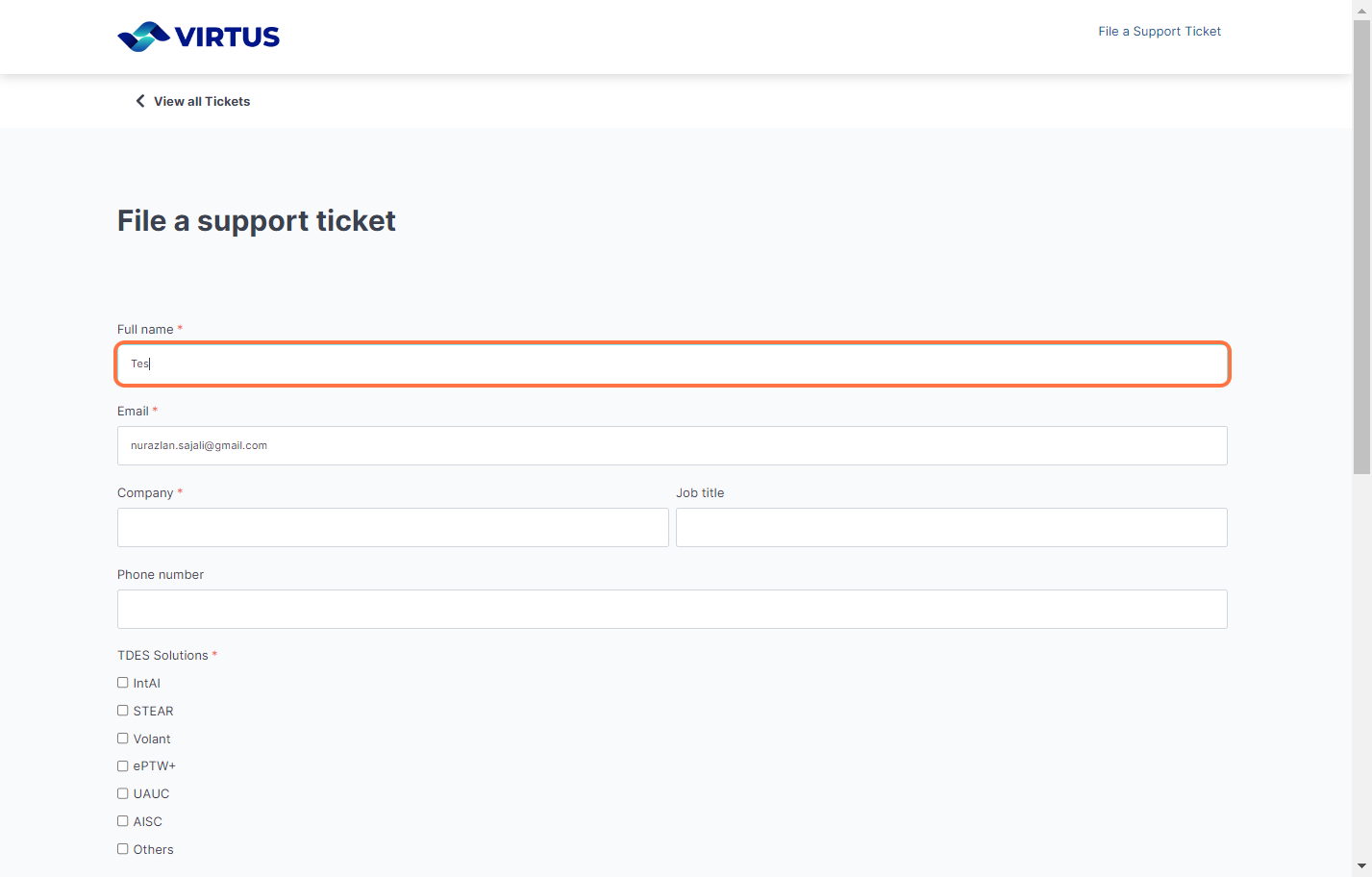
Fill in the support ticket form with required and relevant details.
Step 6:
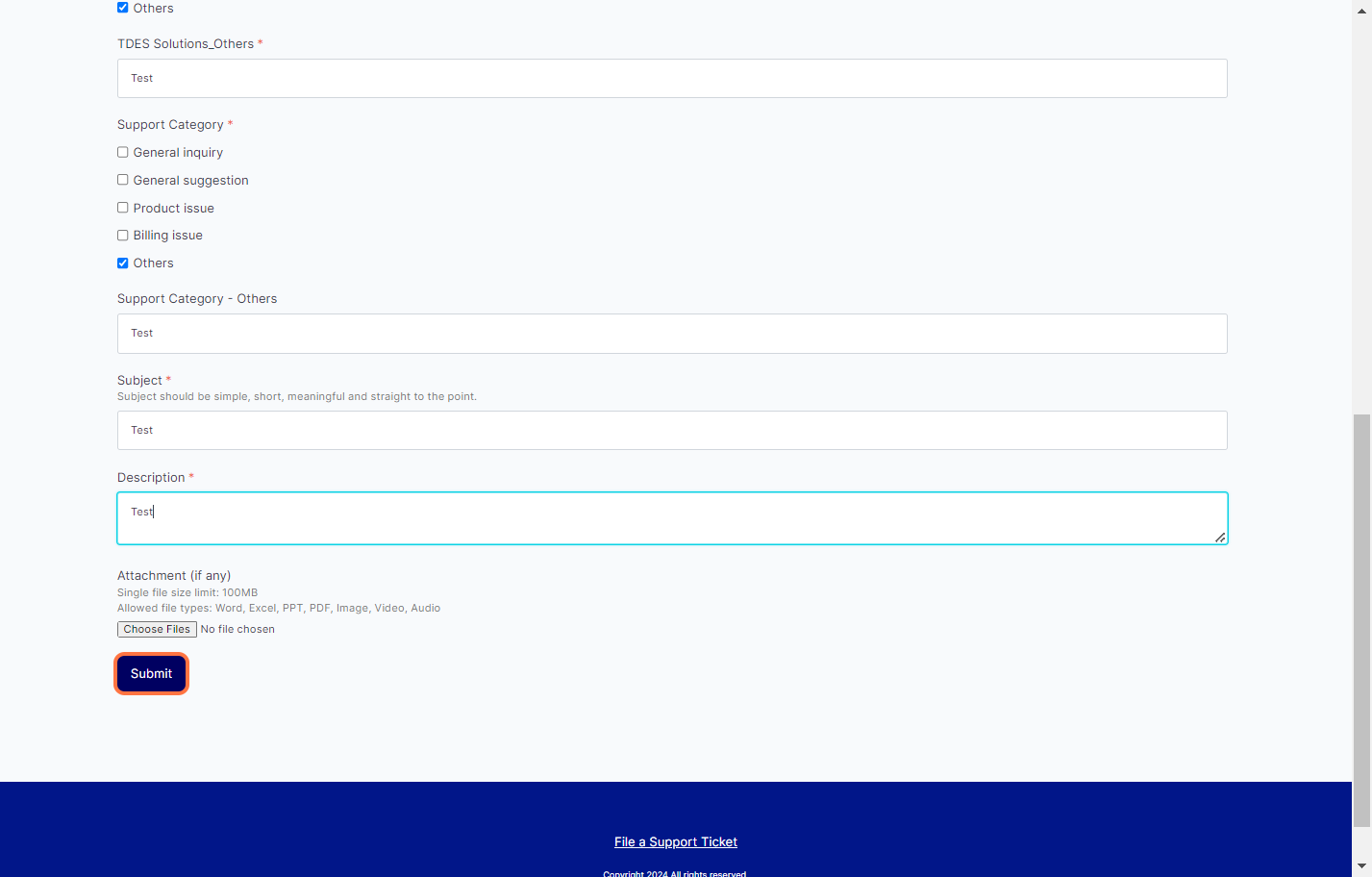
After provided with relevant information, click on Submit.
Once you clicked submit, you will see a notification showing the ticket has been submitted.
OPTION 3:
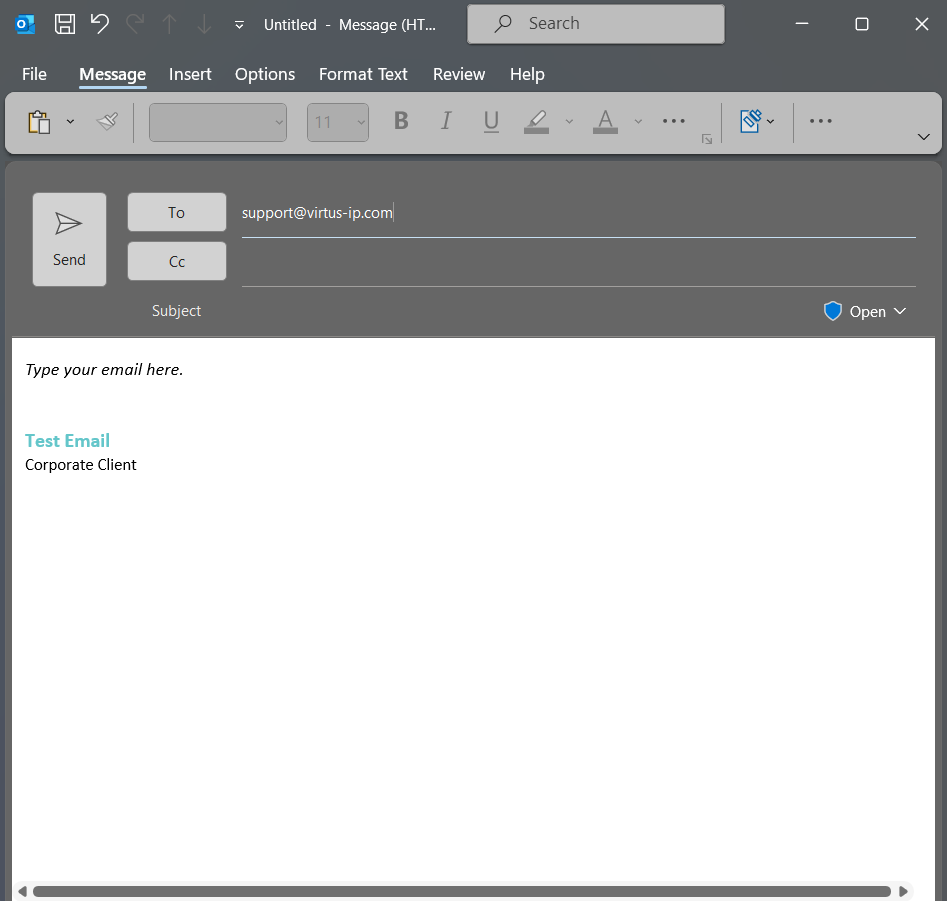
You can also submit your enquiry or feedback via email to:
Notes:
You will receive a notification email from Virtus Helpdesk team.